Film unavailable. The still image is shown.
Small Bridges / A little idea. A lasting impression.
Your idea.
A 15-second teaser.
One idea. Your AI Director. Something worth watching.
Explore before signup. Review the plan and price before production.
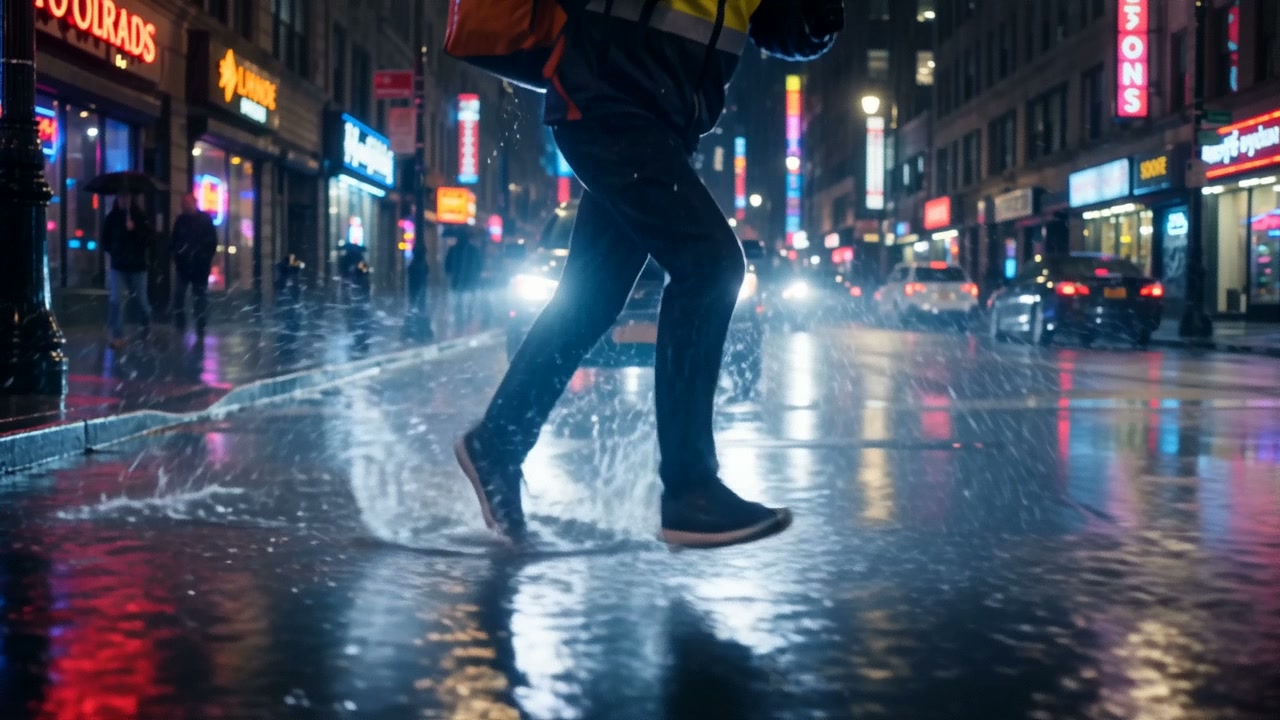
Three simple steps.
- 01 / IMAGINE
Start with a spark.
Bring a scene, a feeling, or a reference image. Your Director helps shape the story.
- 02 / SHAPE
Make it your own.
Develop the script, cast, setting and shot plan. Review the choices before production.
- 03 / APPROVE
Know what comes next.
Review the engine and exact quote, then approve paid production when you are ready.
Small Bridges / Inside your studio
Your vision. A whole crew.
Frontier models. Creative intelligence.
A world of possibilities, in one studio.
01 / CREATIVE INTELLIGENCE
Think bigger.
Stay you.
Your vision. An AI Director that understands your ambition. Richer stories, memorable characters and a cinematic point of view.
Story, casting, cinematography and sound — with you in the director’s chair.
Planning turns use credits. Production starts only after your approval.
 AI Director / Actual app view
Your creative intelligence
 OpenAIGPT models · direction & vision
 ClaudeAnthropic · Sonnet & Haiku
 GeminiGoogle · multimodal intelligence
 Bridges AgentYour creative partner
- AI DirectorStory, cast & sound
- Photo AgentImage assistance
02 / PICTURE IN MOTION
Make the
unimagined.
Extraordinary settings. Expressive characters. Motion with a point of view. A world that feels like your story.
A cinematic scene library, saved favourites and reusable worlds. Add another dimension with Hunyuan3D v2 image-to-3D objects.
Lightbridge uses self-hosted Wan 2.2; availability depends on configuration.
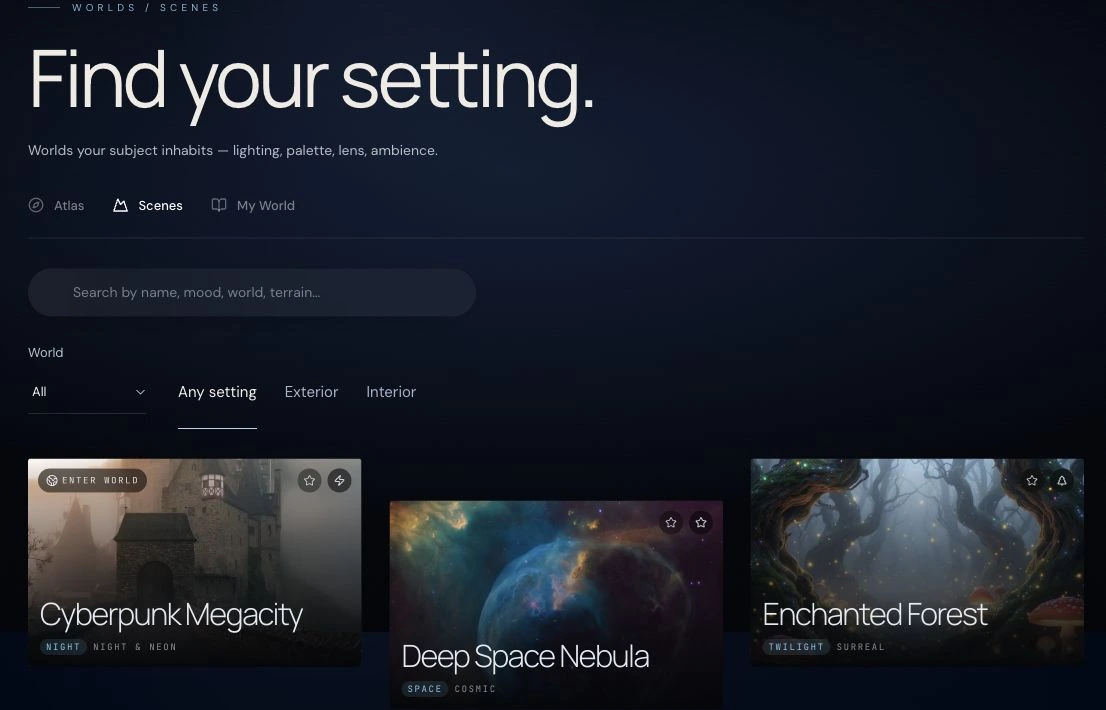 Worlds / Actual app view
Your video engines
 Wan 3Alibaba · cinematic video
Seedance 2.5ByteDance · video & native audio
 Veo 3.1 FastGoogle · generative video
 Kling V3 ProCharacters & native voice
 PixVerse V6Expressive video generation
- LightbridgeSelf-hosted Wan 2.2*
03 / LIMITLESS IMAGERY
Impossible
looks good.
Frontier image models and precise photo editing, together. Original imagery, distinctive characters and a fresh perspective on every photograph.
Object removal, image upscaling, animation and layered designs. Your visual language, down to the last detail.
AI tools and credit use depend on the action you choose.
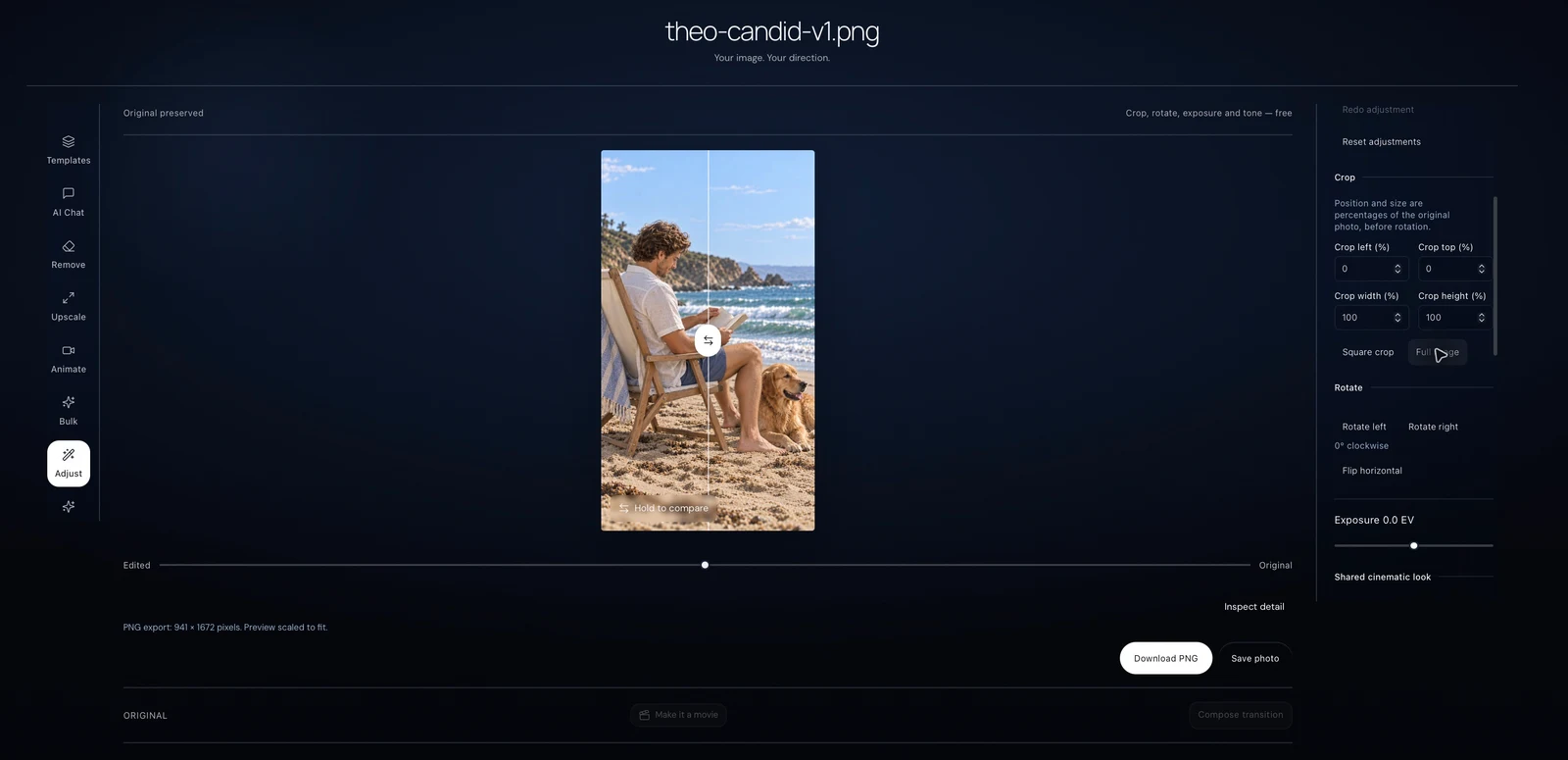 Photo Studio / Actual app view
Your image engines
- GPT ImageOpenAI · generation & editing
 FLUX1.1 Pro & Ultra · Kontext · Fill · Redux
 Nano Banana 2Generation & reference edits
- Gemini ImageGoogle · visual creation
 Qwen ImageImage Edit 2511 & inpainting*
 BRIAEraser · object removal
04 / MUSIC, VOICE & ATMOSPHERE
Give it
a heartbeat.
An original score. A voice with presence. The atmosphere that makes a moment yours.
Musical styles, intensity controls and your own music library. Expressive narration, character voices, sound effects and captions.
Generation uses credits. Cloud storage requires an active subscription.
 Music / Actual app view
Your music, sound & voice engines
 Lyria 2Google · AI music & film scores
 Eleven MusicOriginal compositions
 ACE-StepSelf-hosted music*
- ElevenLabs SFXSound Effects v2
 Stable AudioOpen · sound generation
MiniMaxSpeech 2.6 Turbo · Speech 02 Turbo
- ElevenLabsTurbo v2.5 · narration
- Kling VoiceNative character voices
- Scribe v2ElevenLabs · speech to text
- WhisperOpenAI · transcription
05 / THE COMPLETE PICTURE
More than
a single scene.
Connected scenes. Your own pacing. Picture and sound that belong together. A film with your signature, finished on a bigger canvas.
A multitrack film editor for precise trimming, audio mixing and colour. Open your saved film or explore the editor sample.
Upscaled output, not native 4K generation. Final delivery is verified before it is marked ready.
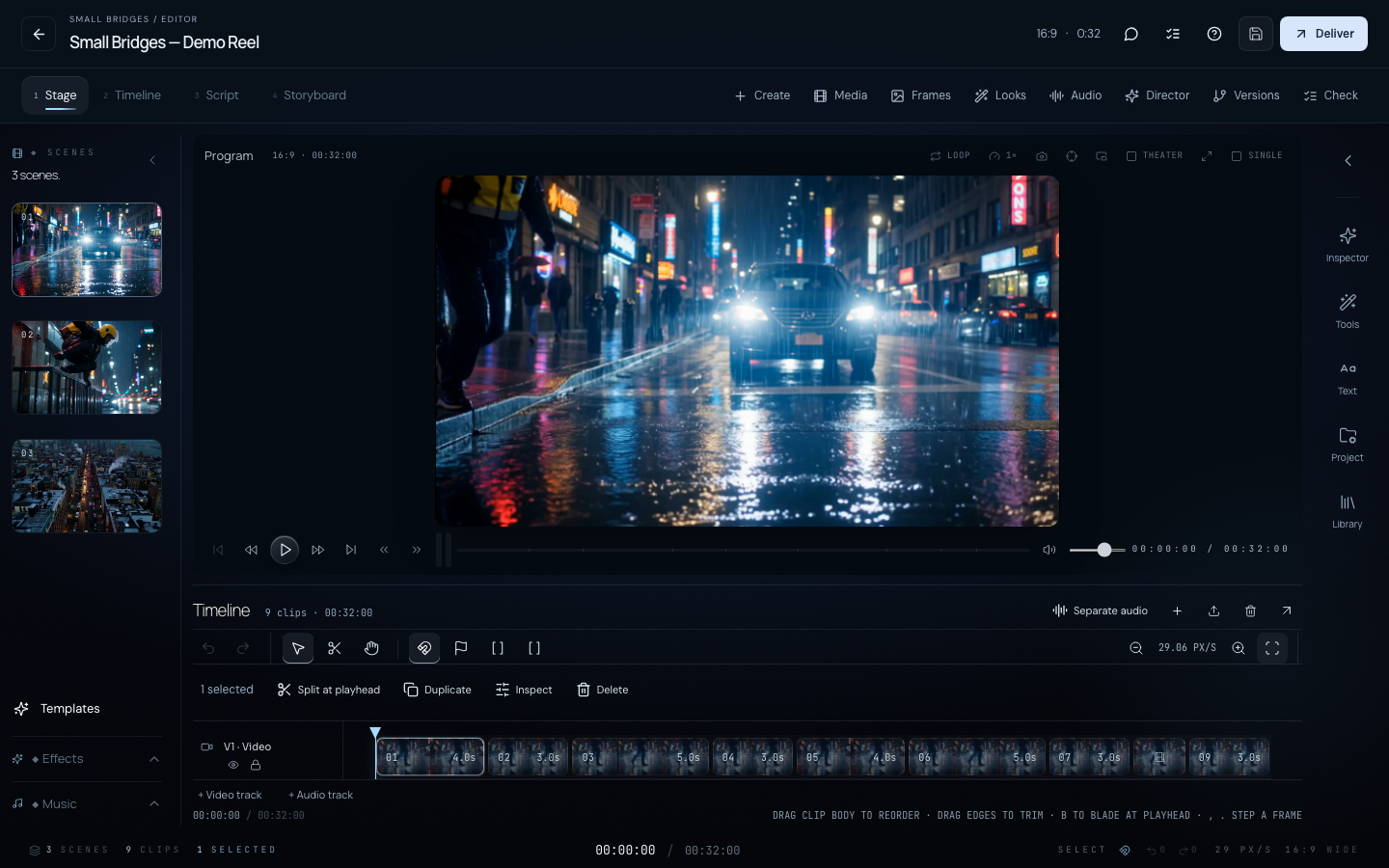 Film editor / Actual app view
Your finishing tools
- Auto StitchConnected scenes
- 4K finishingUpscaled film masters
- Quality checksQuality-checked delivery
 TopazImage upscaling
 ClarityImage upscaling
06 / SHARE & CONNECT
Made to be seen.
And felt.
A film deserves an audience. Share your vision, discover other creators and find the people who see what you see.
Publish to the showcase, share a film page or invite private feedback. A whole creative community, beyond the final frame.
You choose what becomes public.
 Small Bridges / The collection
Your world beyond the studio
- ShowcaseYour work, in the spotlight
- Film pagesA link worth sharing
- Private reviewInvites & time-coded feedback
- RemixA fresh perspective
- Screening roomsWatch together
- CommunityDiscover & connect
01 / 06 Direction
Models and tools across Small Bridges. Versions, availability and pricing vary by feature.
*Self-hosted options require an enabled configuration.
directing
Review the production price before you approve.
SMALL BRIDGES / THE COLLECTION IMAGINATION, IN MOTION
Let the work
do the talking.↗
From a passing thought
to something you can’t look away from.
Film unavailable. The still image is shown.
Featured film
The Storm GateFilm unavailable. The still image is shown.
New in the gallery
Dancing Village ChronicleFilm unavailable. The still image is shown.
From the collection
Brave Street OvertureFilm unavailable. The still image is shown.
From the collection
Radiant Orchard PassageFilm unavailable. The still image is shown.
From the collection
Summer Meadow Anthem
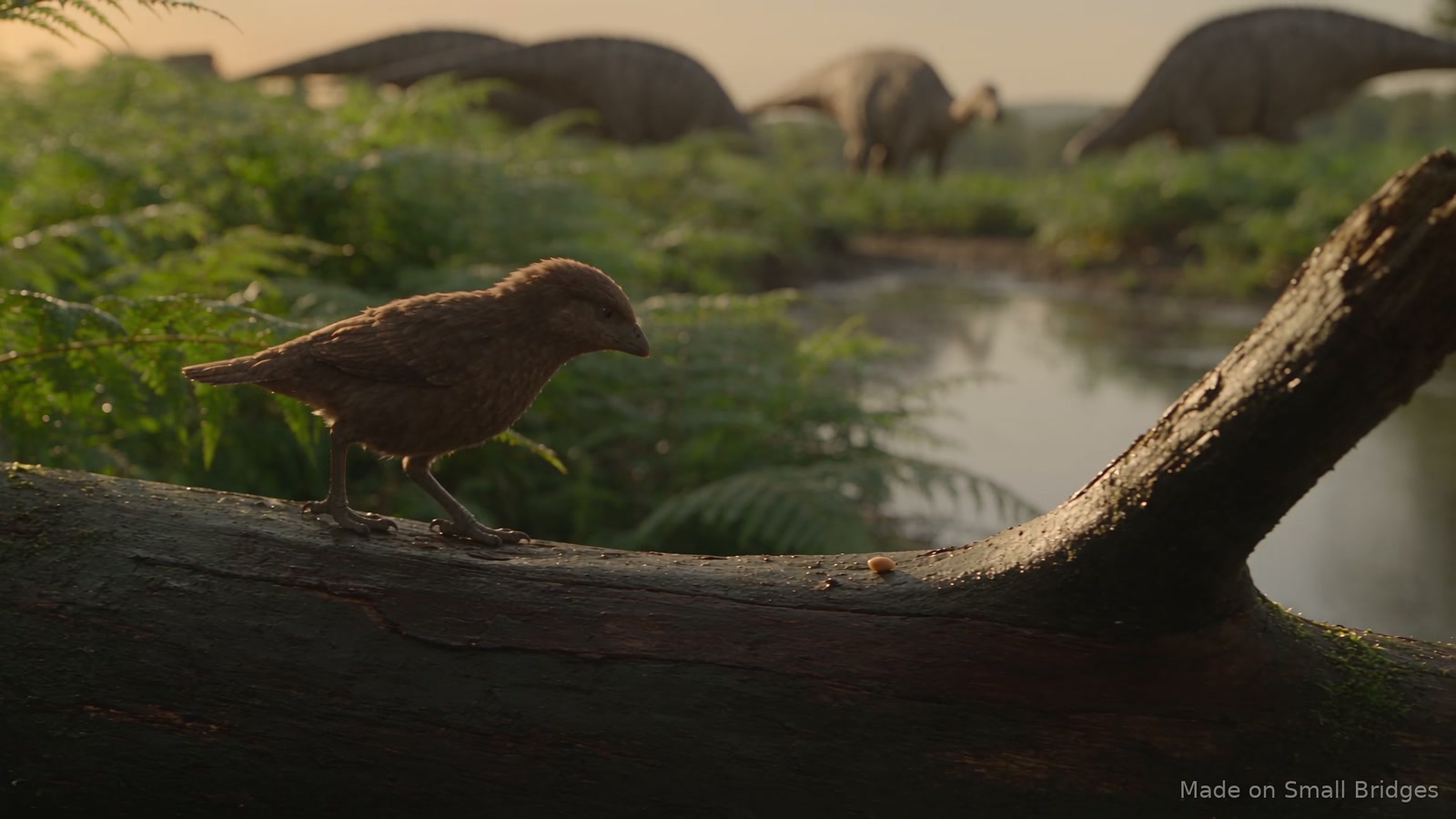
One idea.
Every possibility.
Watch. Make. Wander.
See where it takes you.
Video unavailable. The still image is shown.
Your first look inside.
Read the steps
- Open Add clip in the editor. Describe one shot, choose its duration and review the displayed credit price. This walkthrough stops before paid generation.
- Play the sample film. Place the playhead and choose Split at playhead. Undo restores the previous cut.
- Open an image in Photo Studio. Try Square crop, compare it with the original, then choose Full image.
- Open Worlds → Scenes. Select a setting to inspect its look and lighting.
Video unavailable. The still image is shown.
One small change.
A whole new feeling.
Inside this demo
- Start with a moonlit paper boat. Ask: “Could you make this feel like sunrise instead? Keep the little paper boat and the framing the same.”
- Review the displayed two-credit price and approve this edit. Generation waits are shortened.
- Recover the completed result without a second edit, compare it with the original, and see the actual downloaded image.
Edited captures from the real app, with music and on-screen instructions. The original image stays unchanged. Prices vary by feature.
Open Photo Studio ↗Video unavailable. The still image is shown.
Make every
second yours.
Inside this demo
- Refine a clip’s duration in the timeline.
- Align a soundtrack and set the words and timing of native titles.
- Review the picture, sound and titles together, then play the sequence in the editor.
An edited overview of real before-and-after app captures with brief editor playback. This is not a continuous recording or an export demonstration.
Try the film editor ↗Photo Studio
The film editor
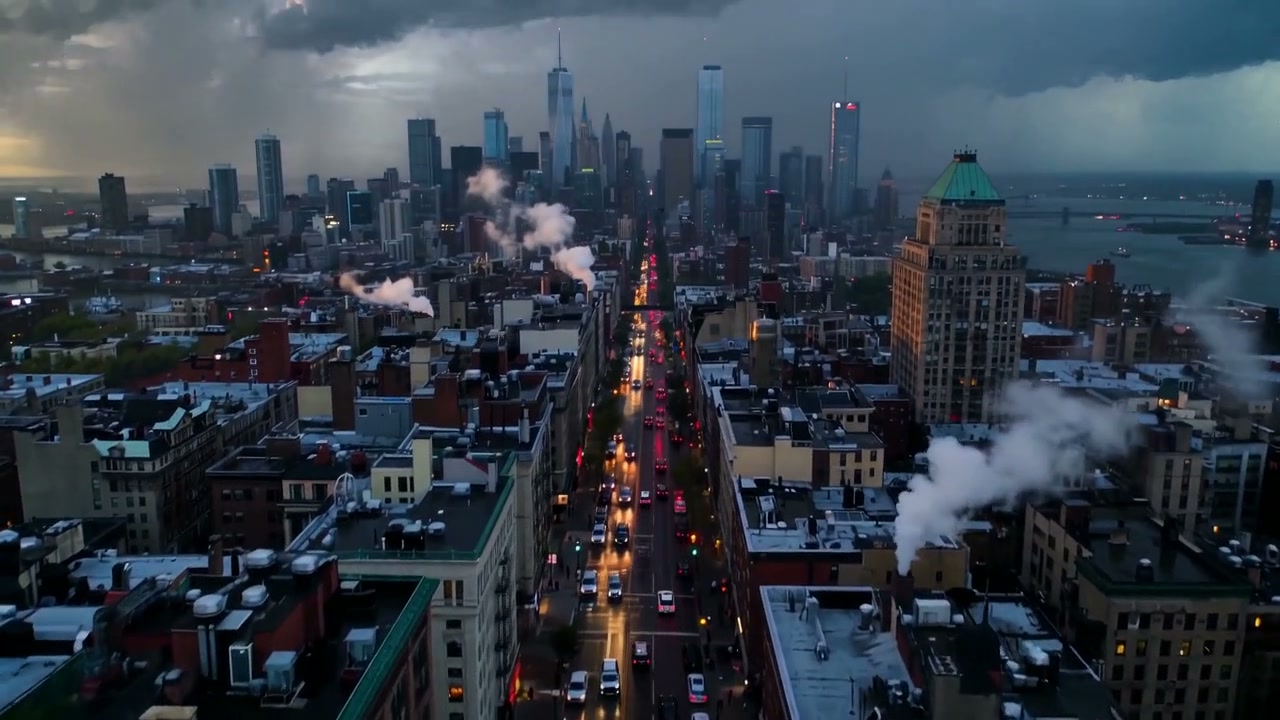
Your AI Director
Entire lives.
In a single frame.
Eight fictional people.
Wonderfully ordinary moments.
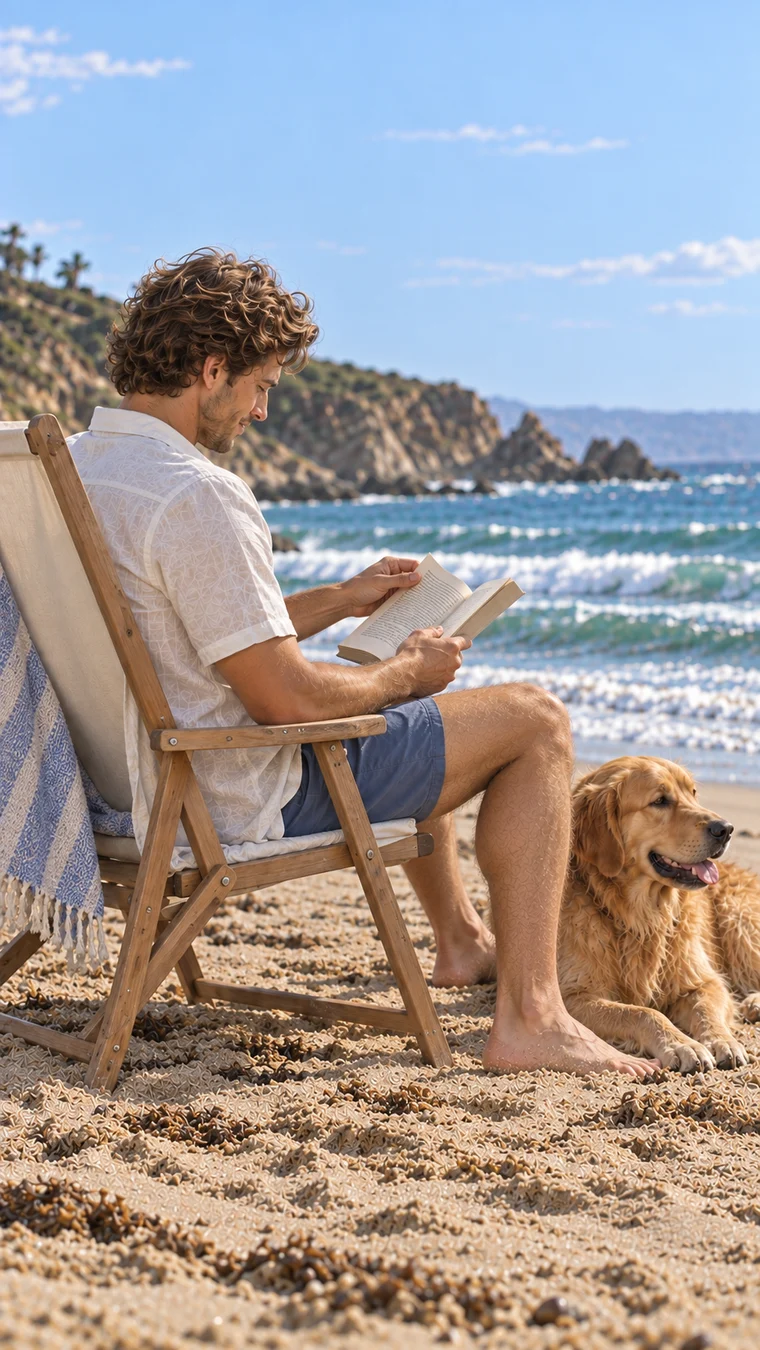
Theo
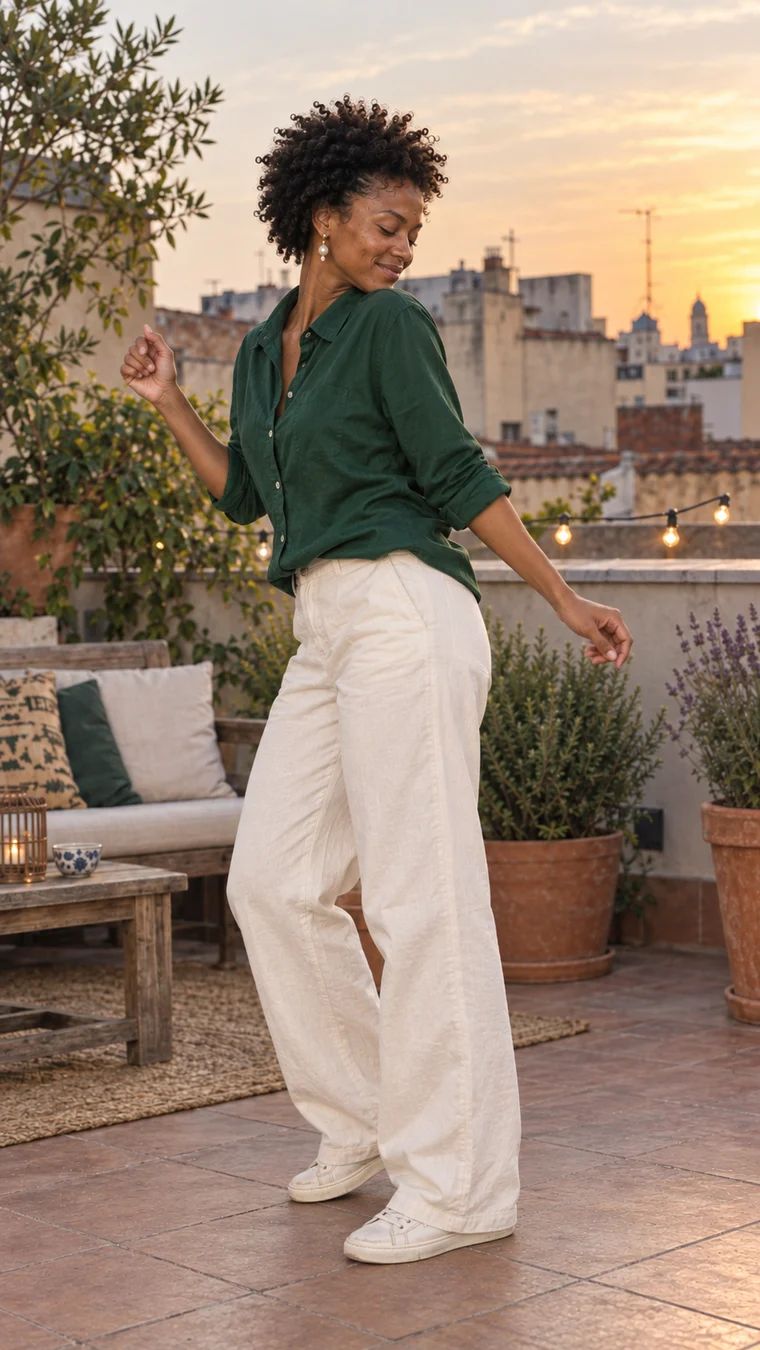
Imani
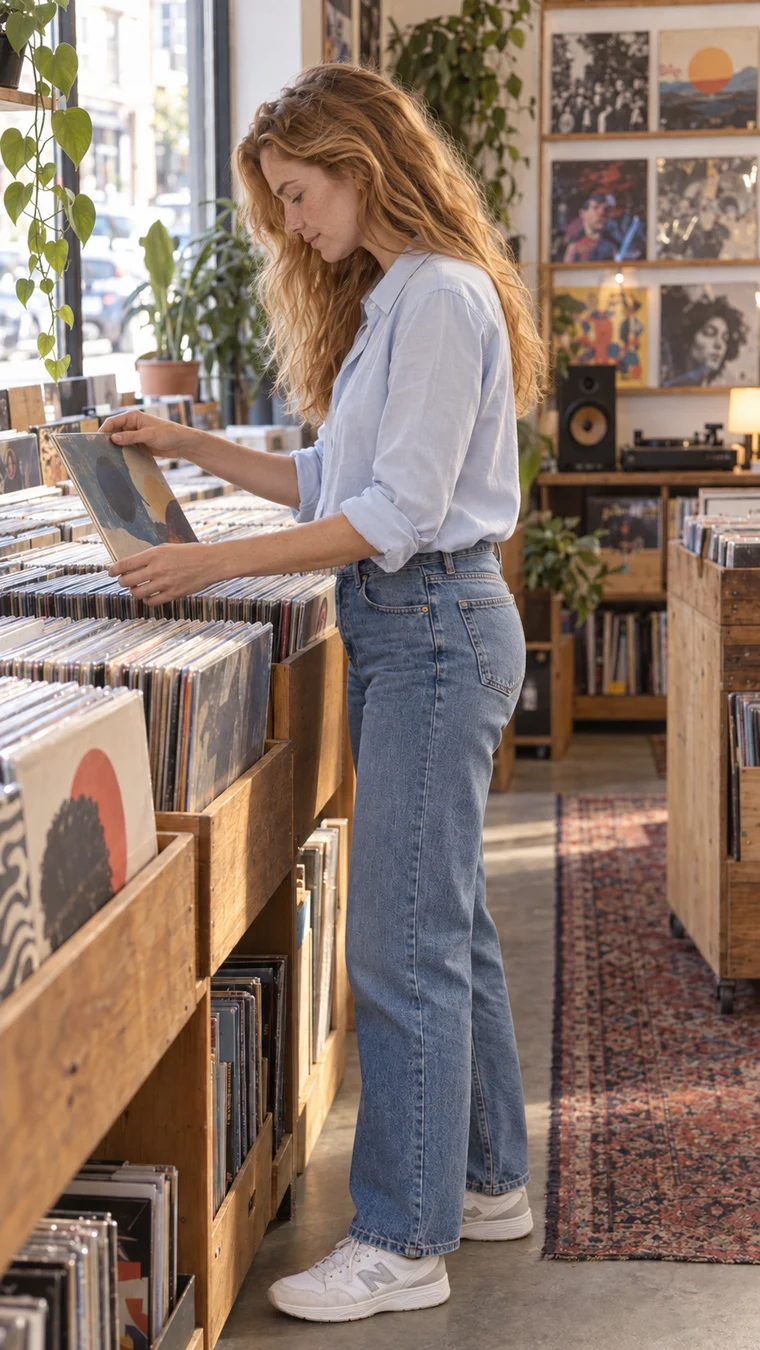
Clara

Ren
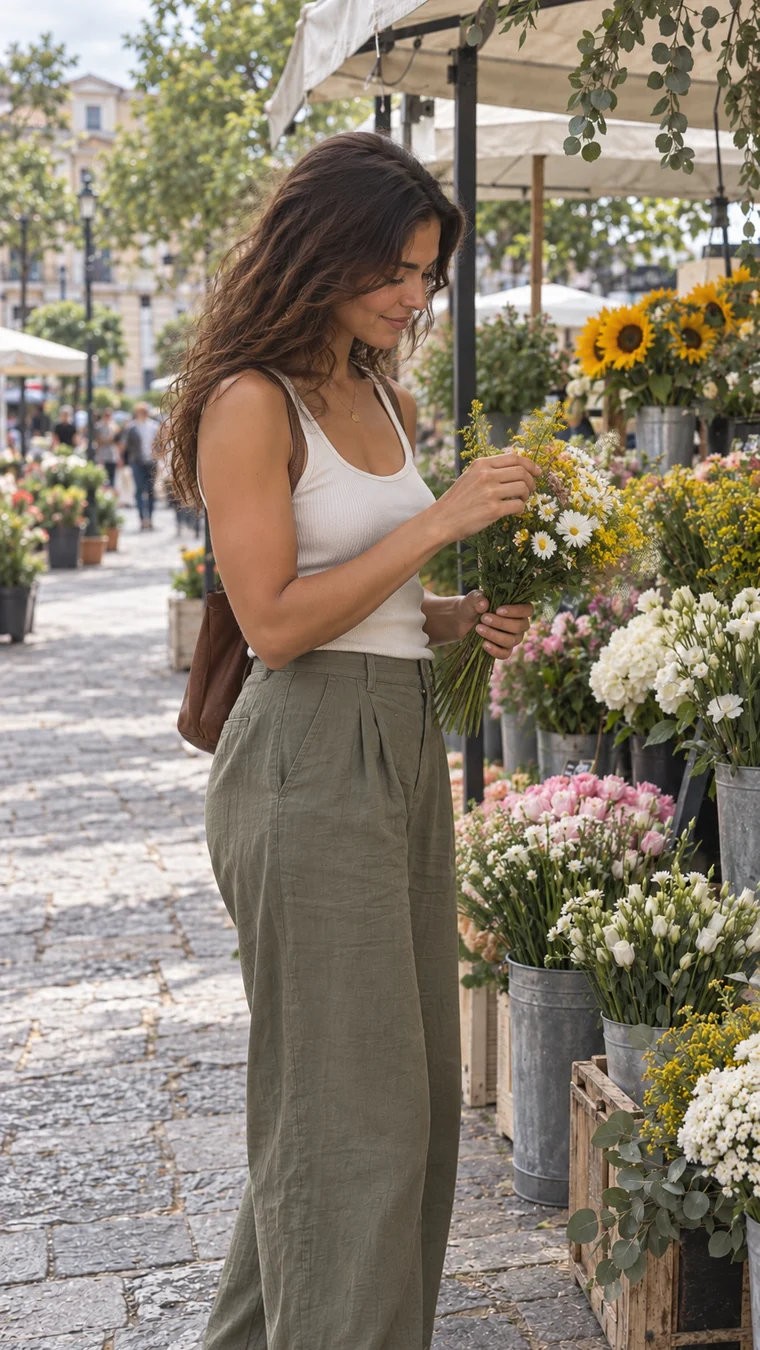
Sofia
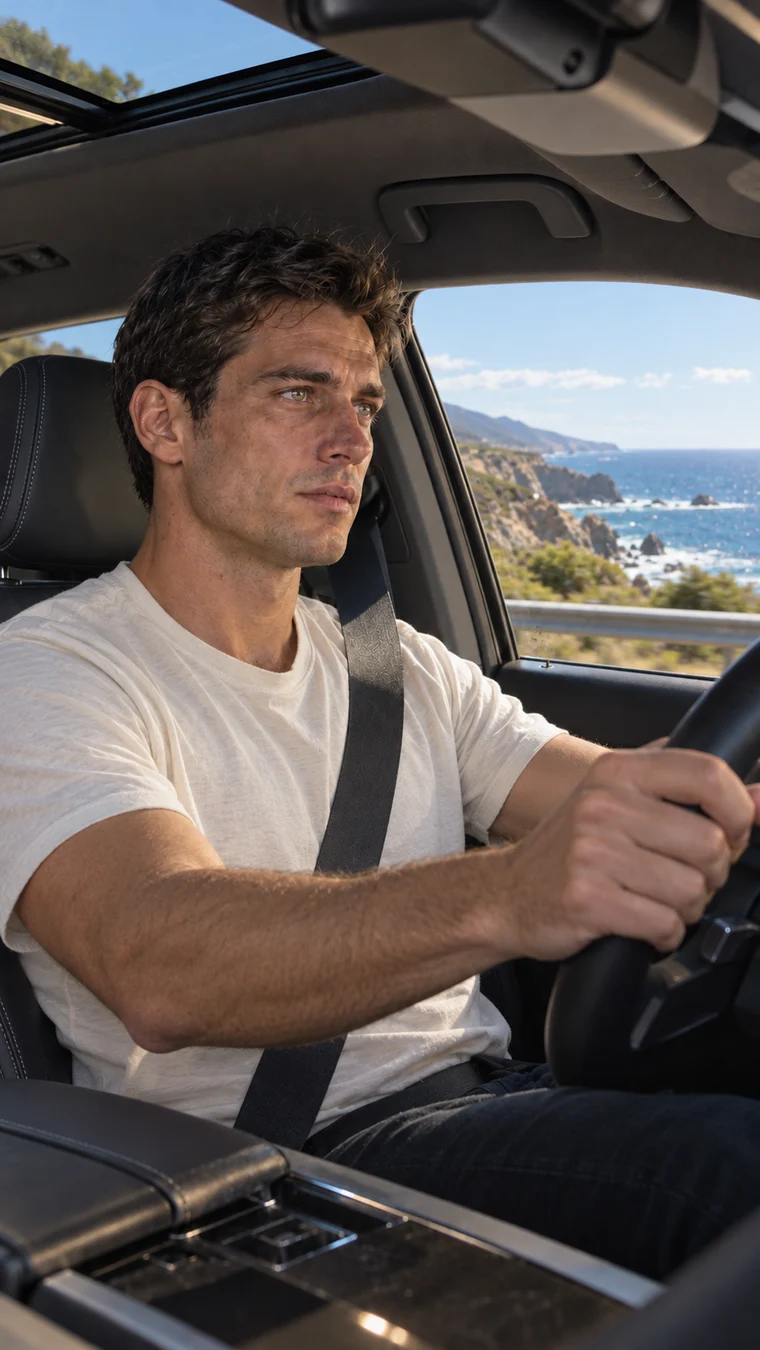
Luca
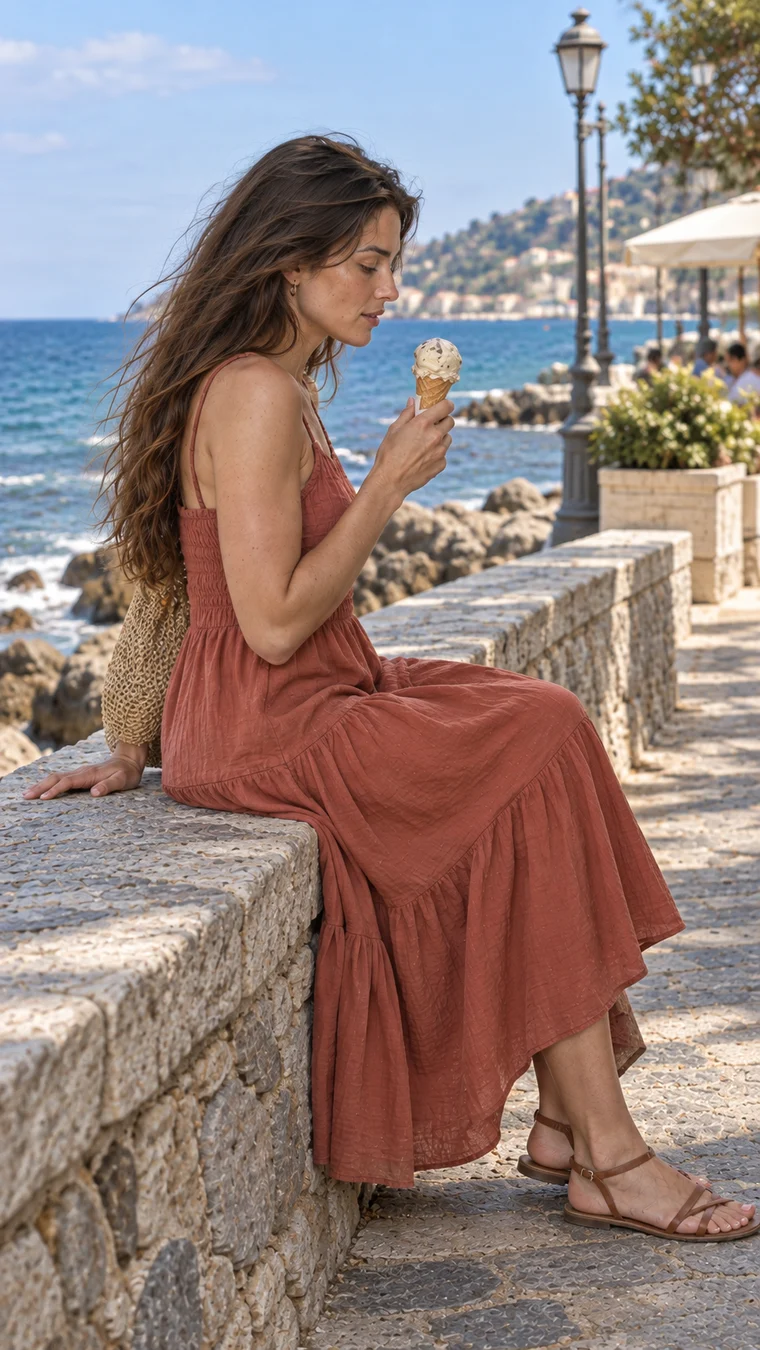
Elena
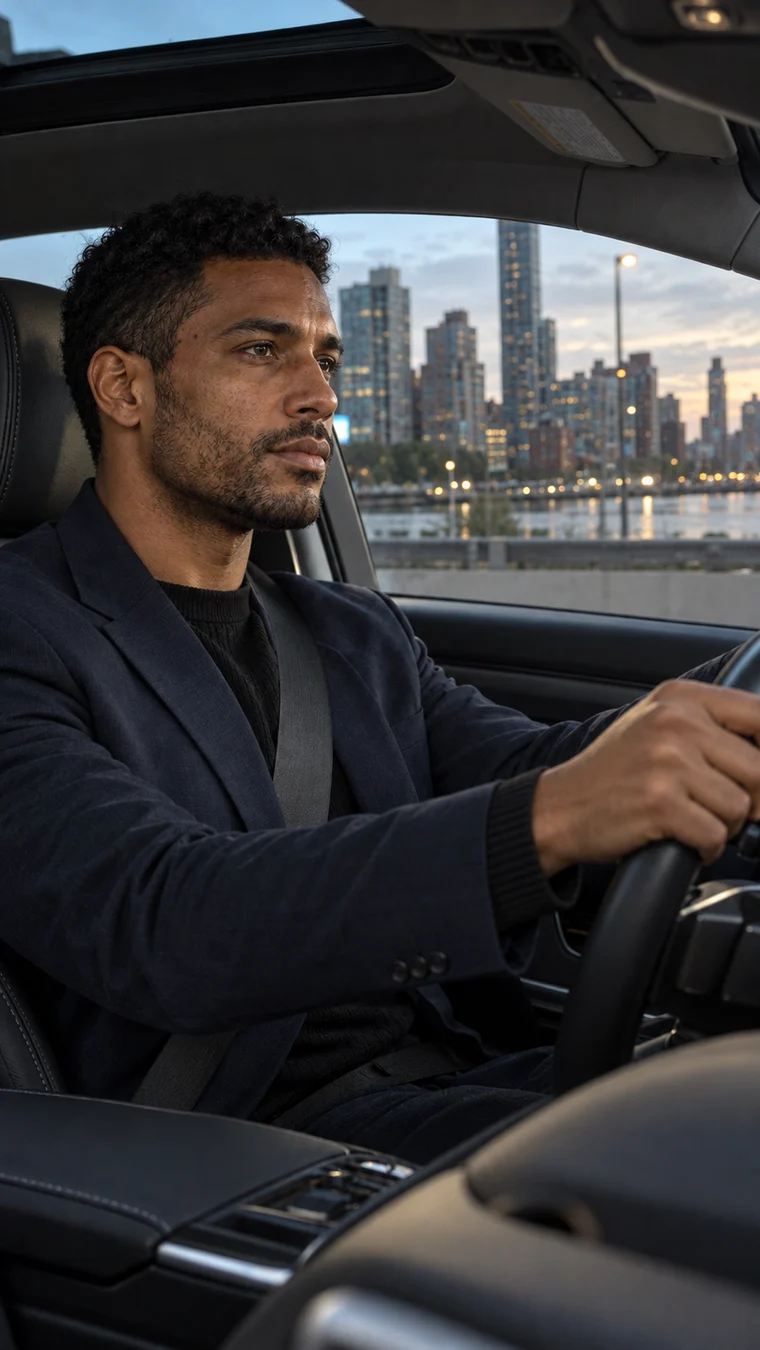
Rafael
A life beyond the lens. Find your cast ↗
A sense of place.
Every story starts somewhere.
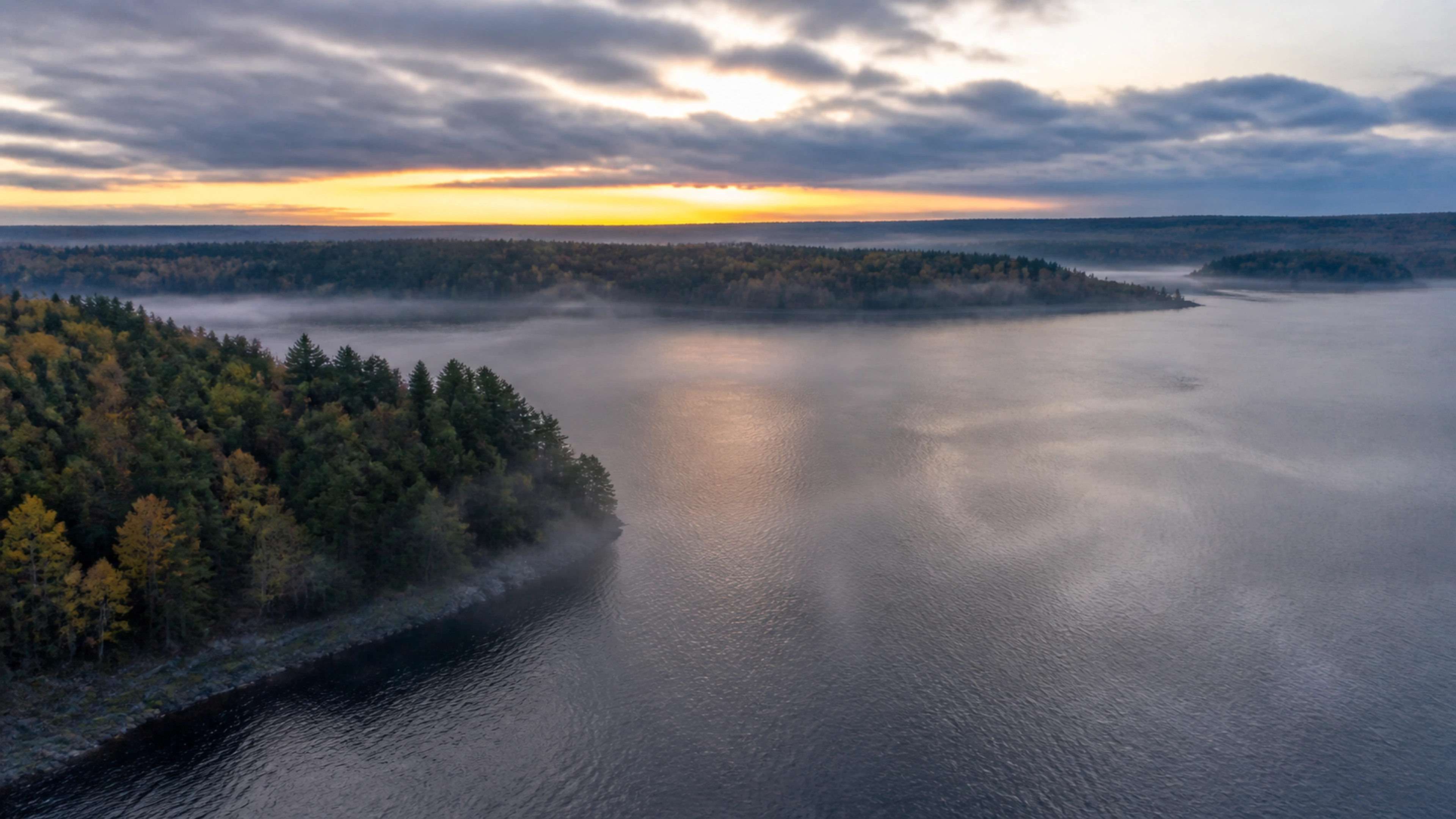
Somewhere unexpected
Worlds & locations
The rest of your studio
Everything around
your next film.
01
Create
Give the first spark a world of its own.
02
Sound & perform
Find the sound and performance your story needs.
03
Edit & share
Shape the final cut. Choose how it meets the world.
04
For business
A shared home for your brand, team and productions.
Business workspace required
Sign in to work on your own film. The editor sample is for exploration; a final master is delivered only after it has been verified. Templates and effects show their availability before you start.
On your terms.
Video generation uses credits. Review the exact production quote before you approve. No subscription is required for video generation.
Before your
first frame.
Where should I start?+
Try the sample film to explore the editor, or start a free local edit with your own footage. Local projects stay in this browser, so keep your source files and export a backup before clearing browser data. When you want to generate a video, use credits and review your production quote. No subscription is required for video generation. Start a local edit · Try the sample film
How does the AI Director work?+
Describe your idea in plain words. Develop the script, cast, setting and shot plan with the Director, then review the price before approving production.
Can I edit the film myself?+
Yes. Use the timeline editor to arrange shots, shape the sound and refine your saved film. Open your editor · Explore the sample. The sample is for learning and cannot render or publish a film.
Can I edit photos too?+
Yes. Photo Studio lets you adjust, remove, replace, upscale and animate your photographs before taking them into a film. Use batch editing, layered designs and product-image workflows in the same workspace. On supported plans, turn an approved photo into a 3D object or engineering diagram; Photo Studio shows availability and a reviewed quote before an object build. Open Photo Studio
How is production priced?+
Video generation uses credits and does not require a subscription. One-time packs add credits; subscriptions provide recurring credits and subscription services. Review the quote for your film before approving it. See plans and pricing